
Find a premise you want to continue
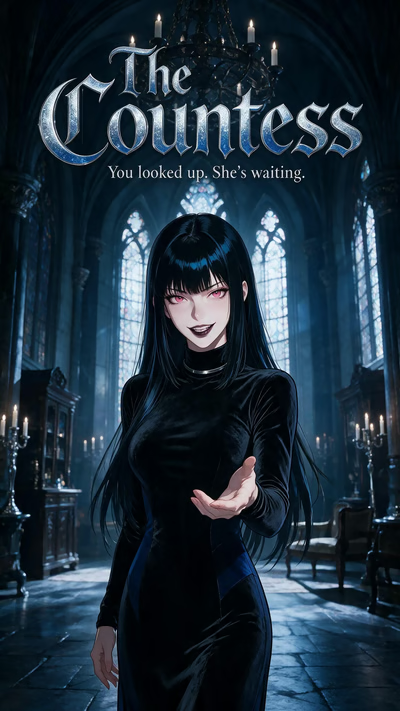
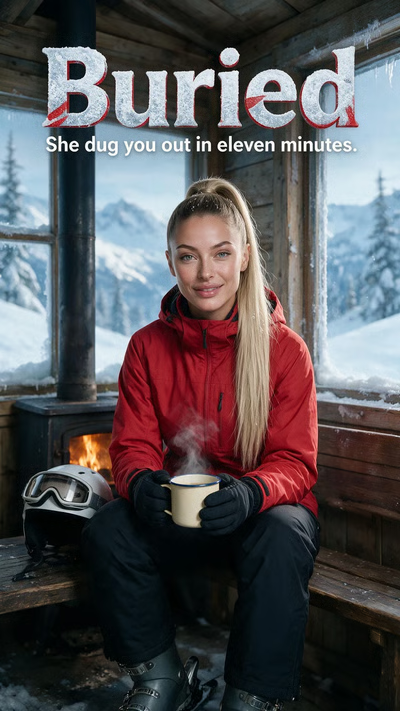
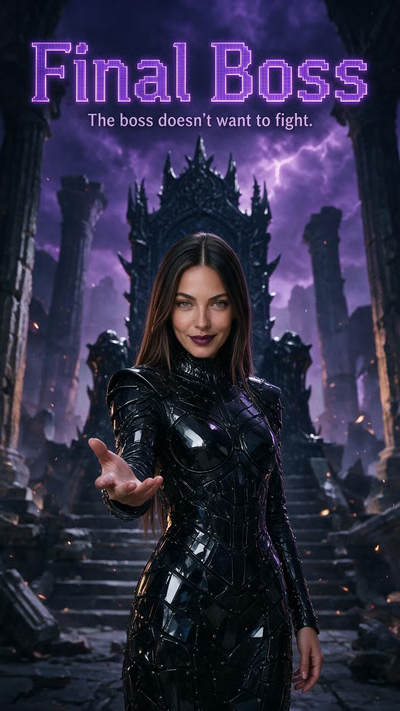
Narrow the scenario selection with the available gender, style, content and genre filters. Read a cover's details before choosing the opening. A mystery, a chance meeting or an adventure gives you a different reason to speak, even before you write your first message.
If a familiar story is missing, clear the filters and check the selected genre. Content notices or sign-in requirements can also affect access. A shorter selection does not by itself mean your account has lost the ability to use scenarios.
Make your first reply a deliberate choice
Use Reply to see the opening choices, including before the video ends. Selecting a suggested line sends those words as your first message. When you want another approach, use the custom reply field; the opening accepts up to 500 characters.
You may be asked to sign in, create an account or verify your email before continuing. Once the conversation opens, your normal plan limits still apply. Scenario access does not provide an extra unlimited message allowance or automatically include a persona.
Continue the conversation rather than the video
After the opening, you are writing a conversation, not selecting the next episode. Keep your role and intentions clear. A short reply can establish an action, ask a question or redirect the tone without following a suggested line. Return to the same chat when you want that conversation's history.
Choose Shorts instead when you want an episodic sequence to watch. Reels supplies an interactive starting point; Studio makes personal image and video requests. Watching, replying and generating are separate actions with different access and spending conditions.
Questions and answers
Am I limited to the suggested opening replies?
No. Write your own opening of up to 500 characters, then continue in the normal chat box after the conversation starts.
Must I watch the ending before replying?
No. Reply opens the choices before the ending. Replay the opening if you want to revisit the situation before choosing your words.
Does opening a Reel create a video for me?
No. A Reel plays a prepared scenario opening. Personal video creation happens in Generation Studio using an image and motion instructions.